
The Smart Way to Achieve Your Financial Goals


+
Happy Users
Trusted by traders worldwide
RETIRE
EARLY
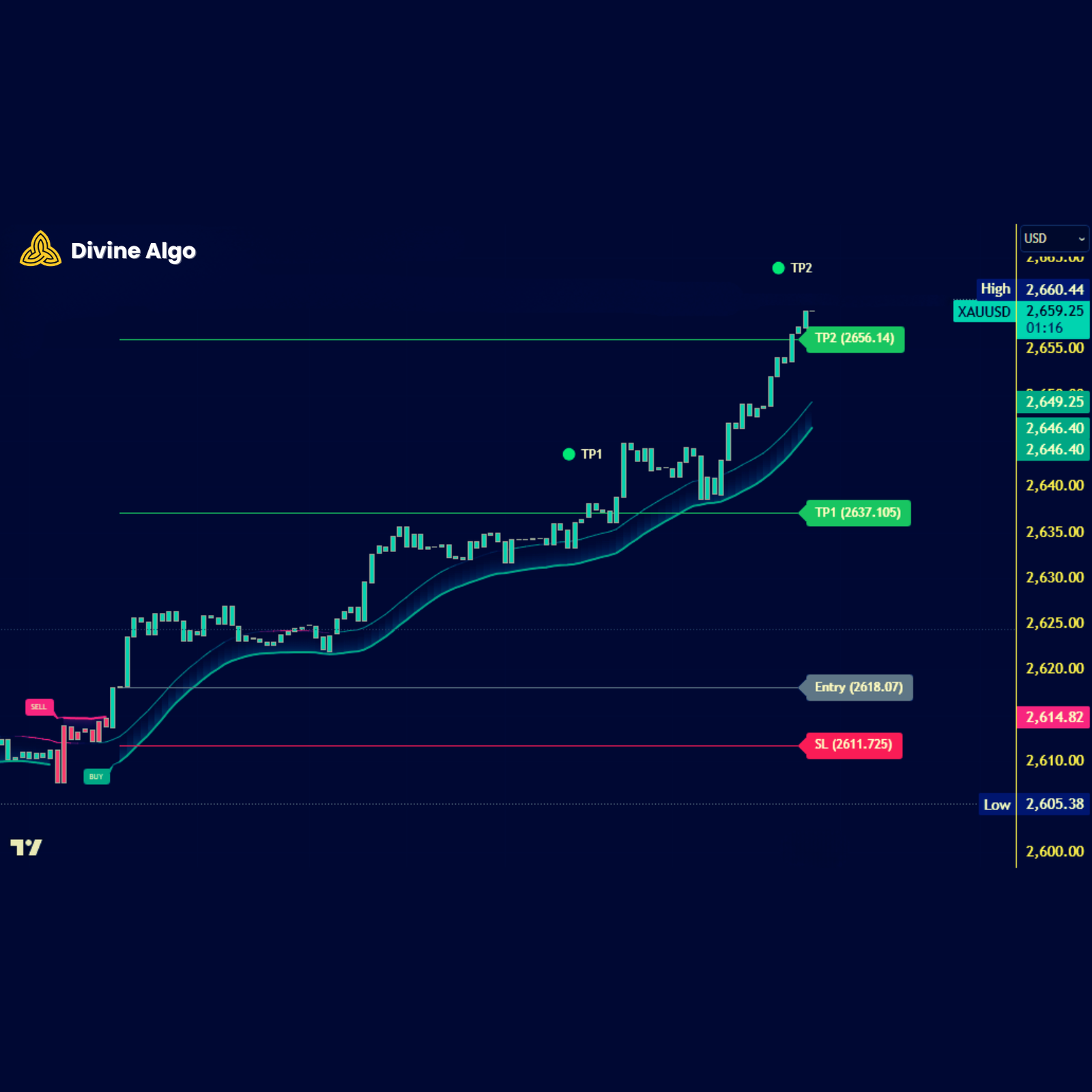
Works on all trading charts.
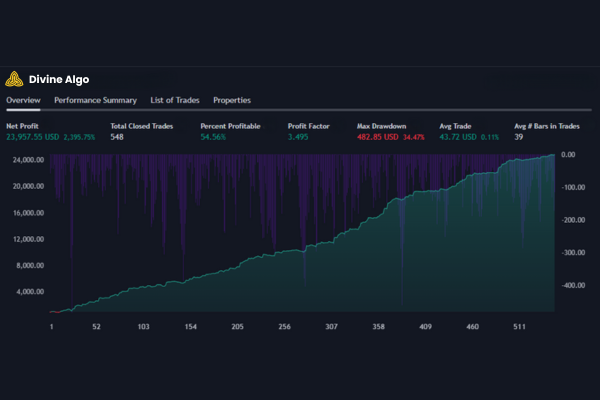
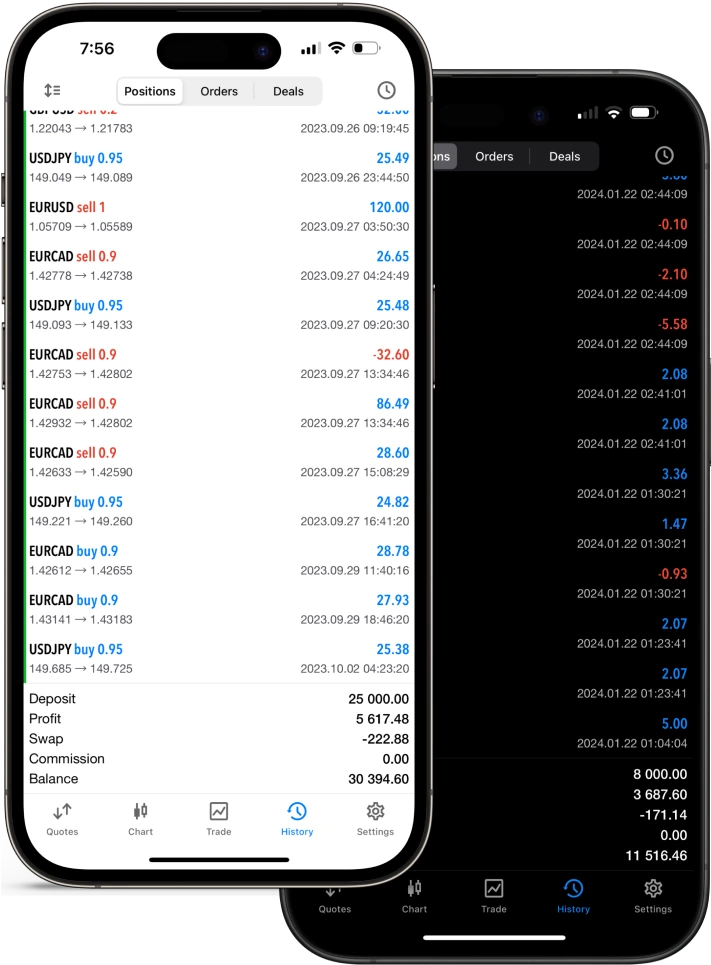
Pro Tool
Next-generation trading indicators for smarter strategies
Trade smarter with advanced signals and trend-spotting tools—simplifying charts with powerful toolkits.

3 Steps to Get Started Now
01. Join TradingView (It’s Free!).
Create a free TradingView account (or use your existing one!). It takes just seconds, and our tools work with any plan.
02. Unlock Divine Algo Premium.
Subscribe with your TradingView username and instantly access our powerful toolkits and winning strategies.
03. Activate Your Indicators.
Add Divine Algo’s Premium indicators to your charts in a single click: Indicators > Invite-only > Divine Algo’s Premium Indicators. Boom! You’re ready to trade.



The Wall of Love
People love PhoEnix Falls Café, here’s what they’re saying
Flexible Pricing to Suit Your Needs
1 Month
$0.7 per day – Costs less than your broker’s commission!
$23
/ 30 days
3 Month
Recommended
$0.5 per day – Costs less than your broker’s commission!
$47
/ 90 days
12 Month
$0.16 per day – Costs less than your broker’s commission!
$59
/ 365 days
Safe and secured checkout


Your Personal Forex Trading Robot – Lifetime Access
Automate your Forex trades 24/7 no emotions, no missed opportunities.
⌛Limited Lifetime Offer – Don’t Miss Out
Let’s scollaborate and evolve your trading journey into something genuinely Profitable
+
Happy clients
5 star reviews
Get 15% Off Your First Purchase!

The Most Frequently Asked Questions
After buying Divine Algo, head to our member’s portal at https://divinealgo.io. Enter your TradingView username and that’s it! It might take a few minutes for the Divine Algo indicators to show up on your TradingView account.
Need help? Contact us at support@divinealgo.com! Be sure to include your TradingView username, and our friendly support team will help you get full access within 24 hours.
Double-check the username you used to connect your TradingView account. If it’s correct, try refreshing your browser or app and look for the Divine Algo indicators in your TradingView menus.
Just created a new TradingView account? It might take 5-10 minutes to show up in their system. Be patient!
Divine Algo works for a variety of markets like stocks, currencies (forex), futures, and even commodities. It also supports all timeframes, from 1-minute charts to weekly charts. Whether you’re a scalper, swing trader, or options trader, Divine Algo has tools for you!
There’s no “best timeframe” because it depends on current market conditions and your trading style. While some recommend higher timeframes, others find success with lower timeframes for faster reactions. Experiment and see what works for you!
No, our indicators do not repaint